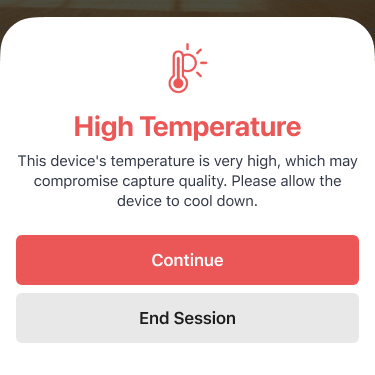
High Temperature
This can occur if the iOS devices reach a certain temperature. iOS can deprioritizes processes (like video recording) or even put the device in standby if the temperature is too high.Tips:
- Try to keep the devices shaded. Sun shades can make a big difference in regulating device temperature.
- Let the devices cool off. While not always feasible, cooler devices capture higher quality video.
Low Battery
Keeping the devices charged is important - iOS can lower video recording performance to save power if the battery level gets low enough.Tips:
Charge your devices, or keep them charging during capture.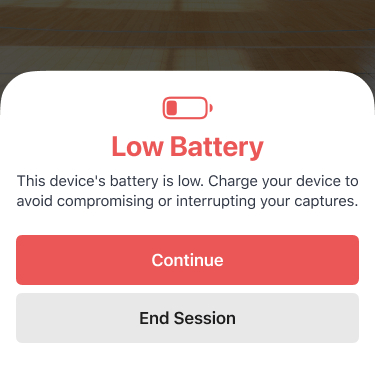
Low Storage
This warning may pop up if one of your devices is running low on internal storage. Running out of storage completely will stop video recording.Tips:
Any videos that have already been uploaded can be safely removed from the device. You can remove these videos and free up space by going to the Profile section of the app, tapping Storage, and then tapping Free Up Space.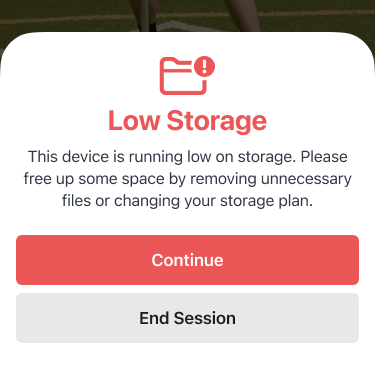
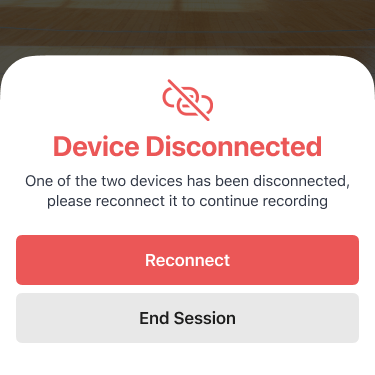
Device Disconnected
This warning may pop up if one of your devices has disconnected from the other.Tips:
This is typically caused by an unstable network connection. Check out our pairing and connectivity troubleshooting article, or read up on capturing without a network connection.